
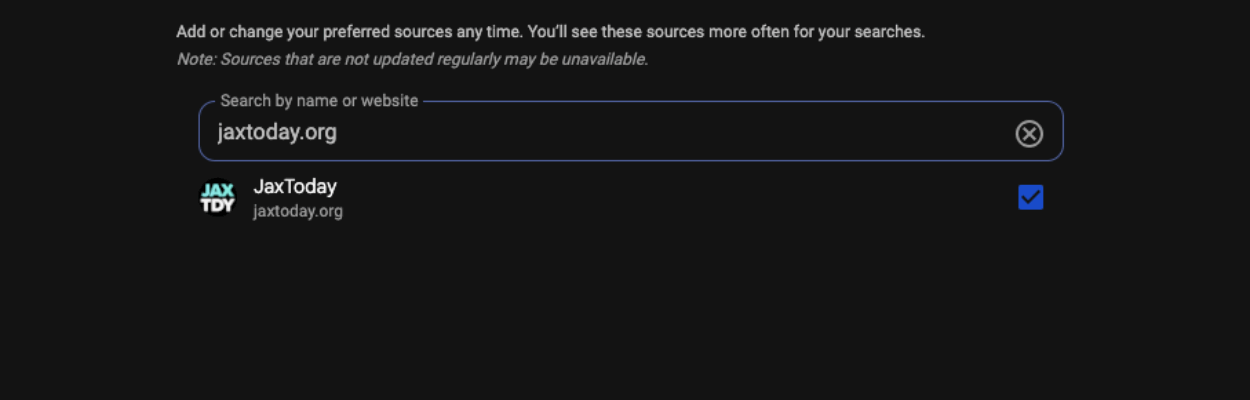
Google Source preferences screenshot
Published on April 29, 2026 at 1:27 pm
Free local news and info, in your inbox at 6 a.m. M-F. Sign up for the Jacksonville Today newsletter.
When you search Google for something happening in Jacksonville — a City Council vote, a weekend festival, a breaking news story — the results you get aren’t always from the sources you trust most. AI‑generated summaries, content farms and national outlets that barely touch on local context can push the coverage you actually want further down the page.
But there is a simple way to fix that. Google now lets you choose which news sources get priority in your search results, and it only takes a few seconds to set up.
Jacksonville Today thanks our sponsors. Become one.
What is Google Preferred Sources?
The feature is called Preferred Sources. When you add a publication to your list, its articles appear more prominently in the “Top Stories” section of your search results whenever that outlet has published something relevant to what you’re searching for. Your selected sources also show up in a dedicated “From your sources” section on the results page.
You’ll still see results from other outlets. Google Preferred Sources doesn’t create an echo chamber. Your preferred sources simply get a boost when they’ve published fresh, relevant content related to your search.
The feature launched in the U.S. in August 2025 and has since expanded globally for English-language users. According to Google, users have selected nearly 90,000 unique sources so far, ranging from local outlets to international publications. Major newsrooms — including Wired, which published its own guide to the feature — have already encouraged their readers to take advantage of it.



Jacksonville Today thanks our sponsors. Become one.
How to Add Jacksonville Today as a Preferred Source
The quick way
If you are already logged into your Google account on this device, click this link and check the box next to Jacksonville Today:
https://www.google.com/preferences/source?q=jaxtoday.org
That’s it. You’re done. (If you are not already logged in, you can do so after following the link.)
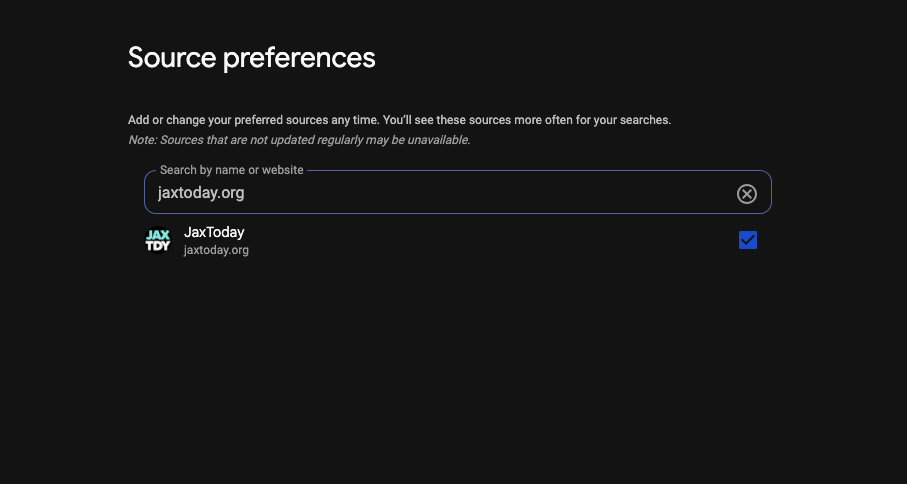
If you want to do it the hard way, you can also set it up from Google Search or from your Google settings.
From Google Search
- Go to google.com and make sure you’re signed in to your Google account.
- Search for any news topic (e.g., “Jacksonville news”).
- Scroll down to the Top Stories section in your results.
- Look for the icon next to the “Top Stories” header that looks like a star on a stack of cards and click it.
- In the search box that appears, type jaxtoday.org.
- Check the box next to Jacksonville Today when it appears.
- Click Reload results.
From your Google settings
- Go to google.com and sign in.
- Click your profile photo in the top-right corner.
- Select Search Personalization.
- Click Source Preferences.
- Search for jaxtoday.org and check the box.
Your preferences sync across devices as long as you’re signed into the same Google account, so you only need to do this once.
Bonus: Follow Jacksonville Today on Apple News
If you use Apple News on your iPhone, iPad or Mac, you can also follow our channel to get Jacksonville Today stories in your news feed.
- Open this link: Jacksonville Today on Apple News
- Tap or click the three dots (•••) at the top of the page or on any article.
- Select Follow Channel.

Now you’re getting the freshest Jacksonville Today stories in front of you, whether you’re receiving our newsletter, reading this website, searching Google or browsing Apple News.